
See the screen. Take the next step.
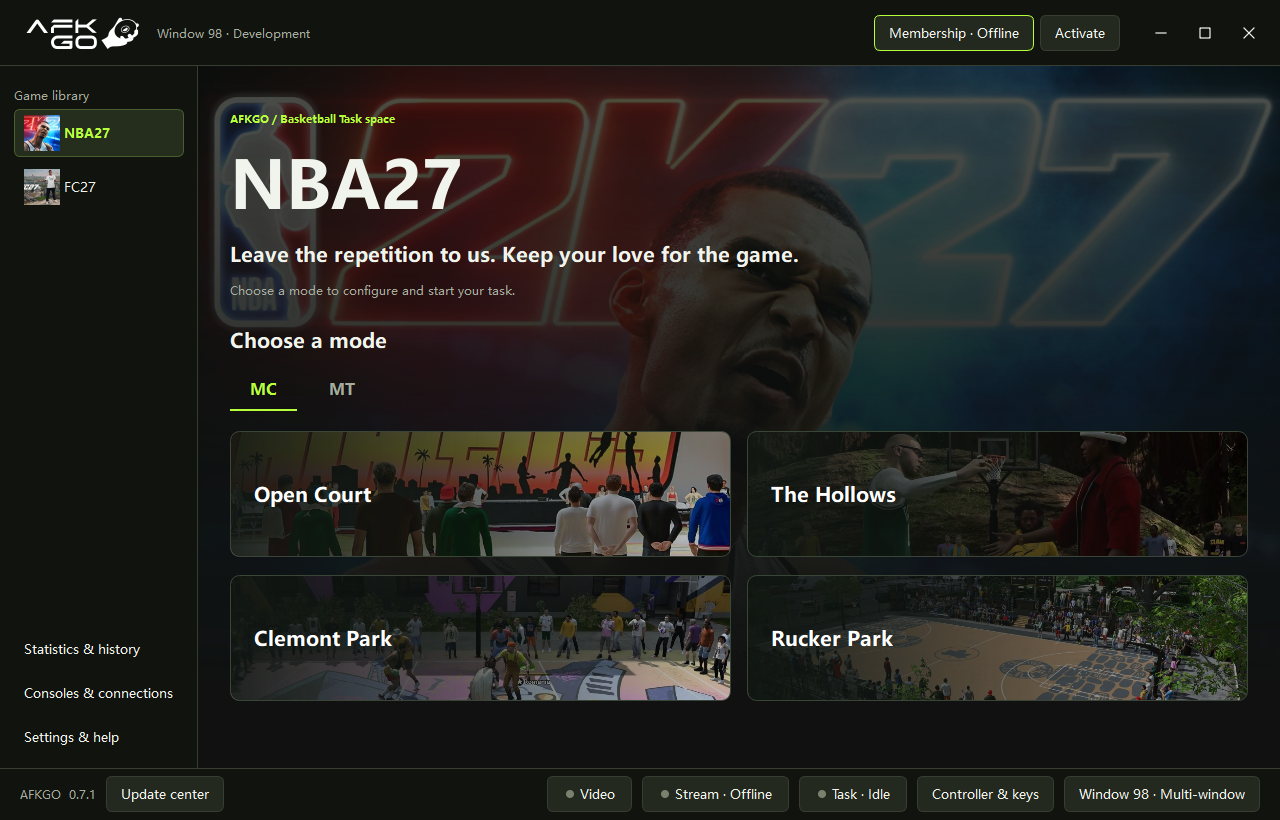
Recognize the current game screen and follow the selected mode’s logic. Adjust offense, defense and shot timing to suit your setup.
Connect your console, pick a mode and let AFKGo help.
Screen recognition and gameplay logic make repetitive actions simpler.
Windows 10 / 11 · 64-bit
MAKE ROOM FOR THE GAME
From connecting your console to checking a task, stay in control at every step.
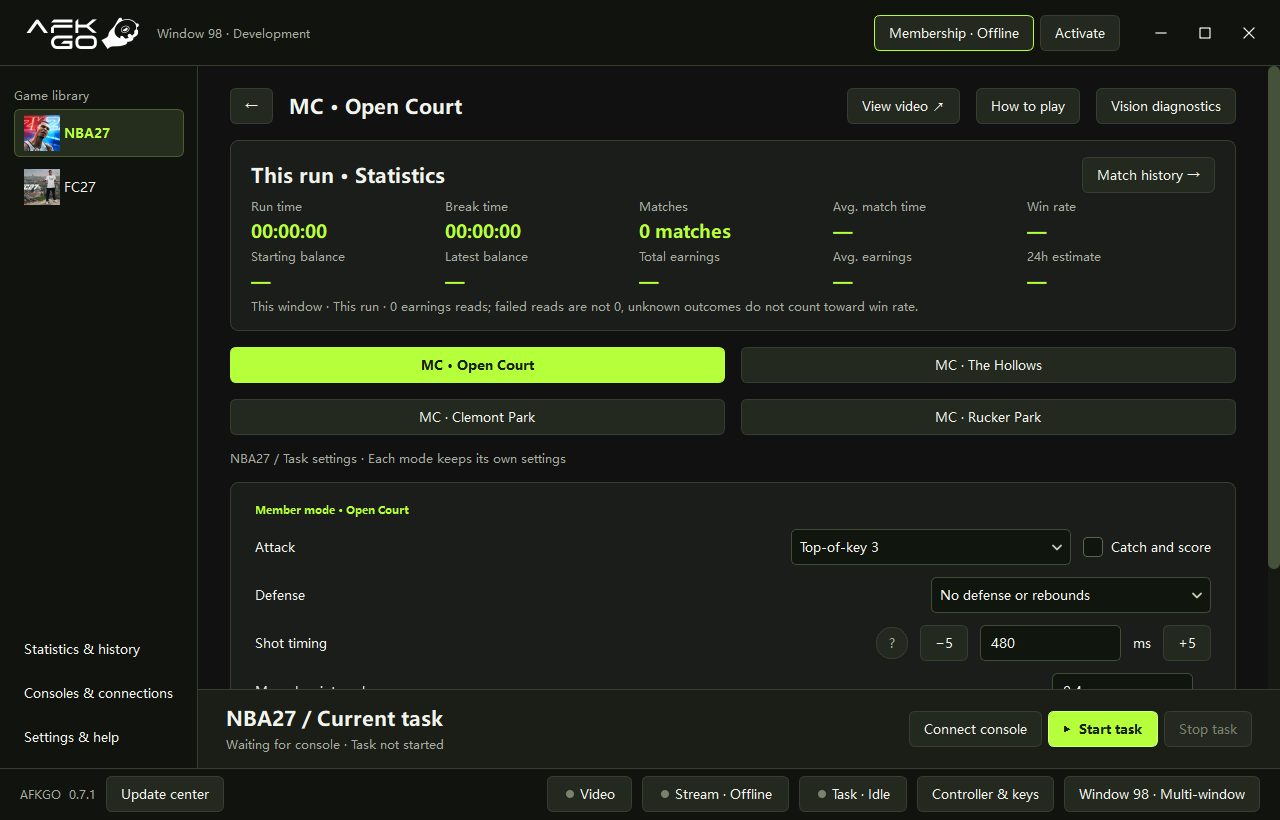
Recognize the current game screen and follow the selected mode’s logic. Adjust offense, defense and shot timing to suit your setup.
See elapsed time, match count and task status together. Revisit your match history whenever you need it.
Choose breaks between matches. All game modes in the same window share your break settings.
FIND YOUR COURT
These NBA27 modes are available now. Open the app and choose your next court.
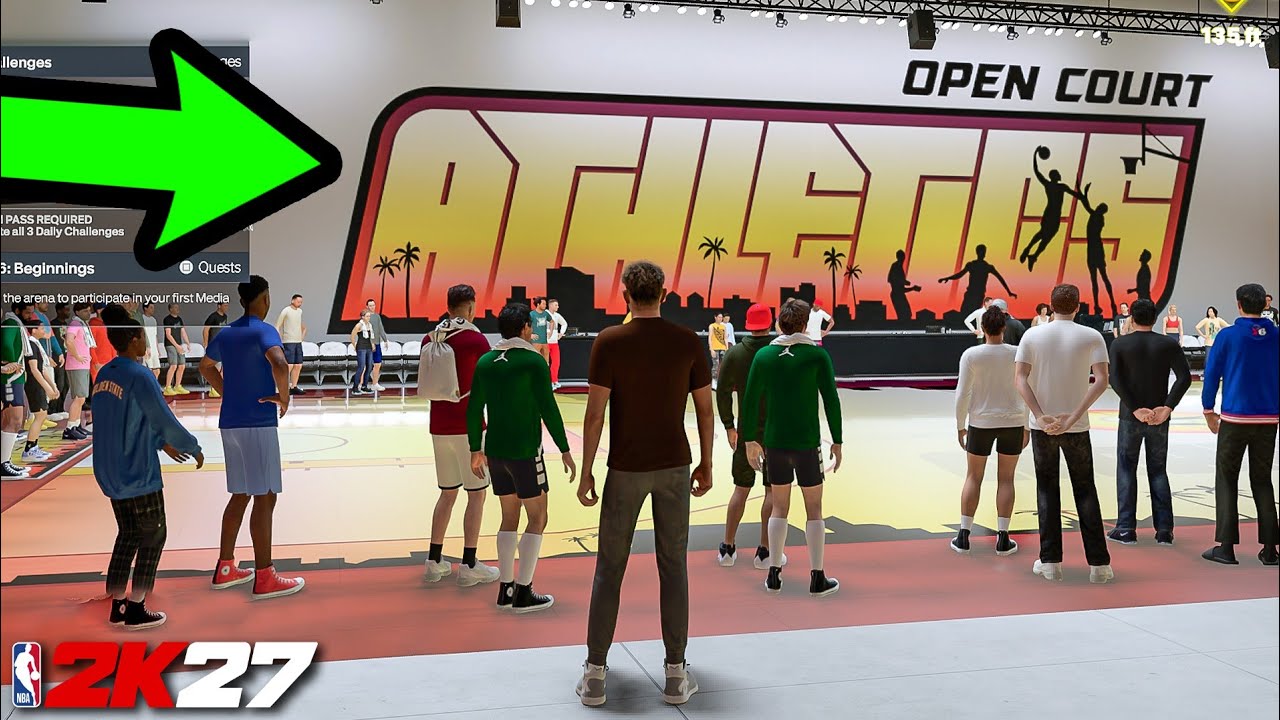
Start on familiar ground
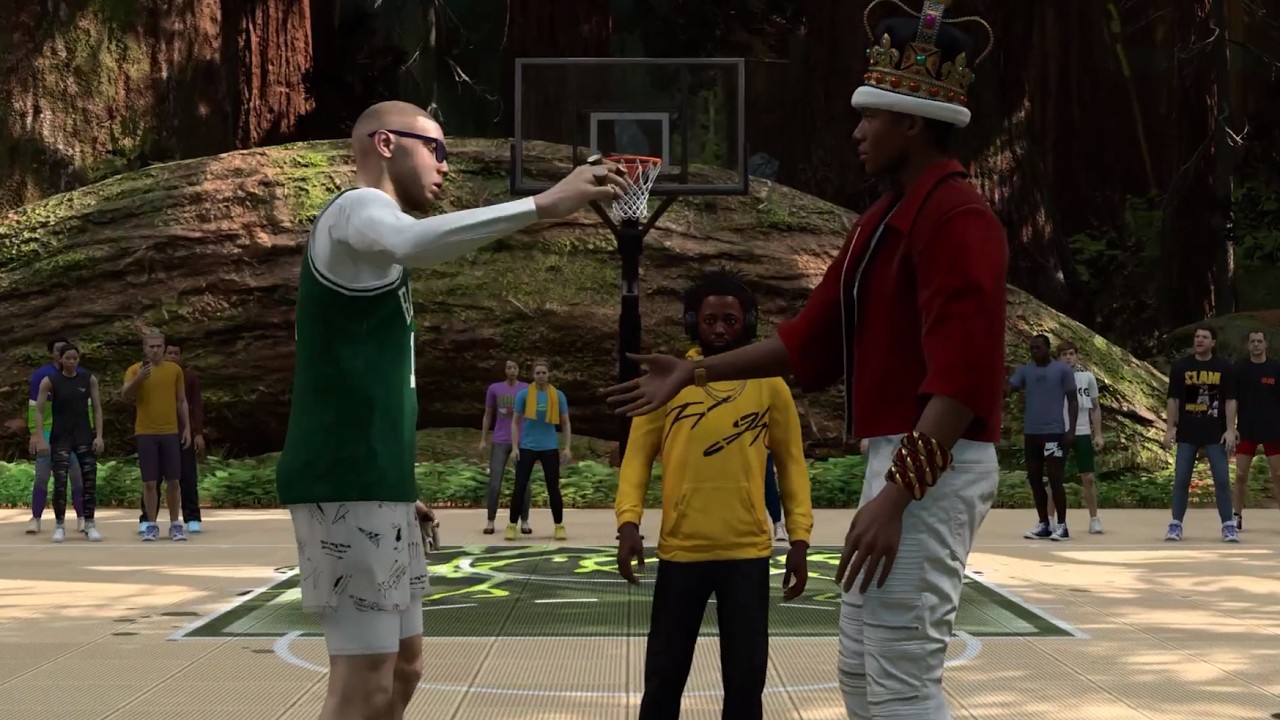
A change of scenery
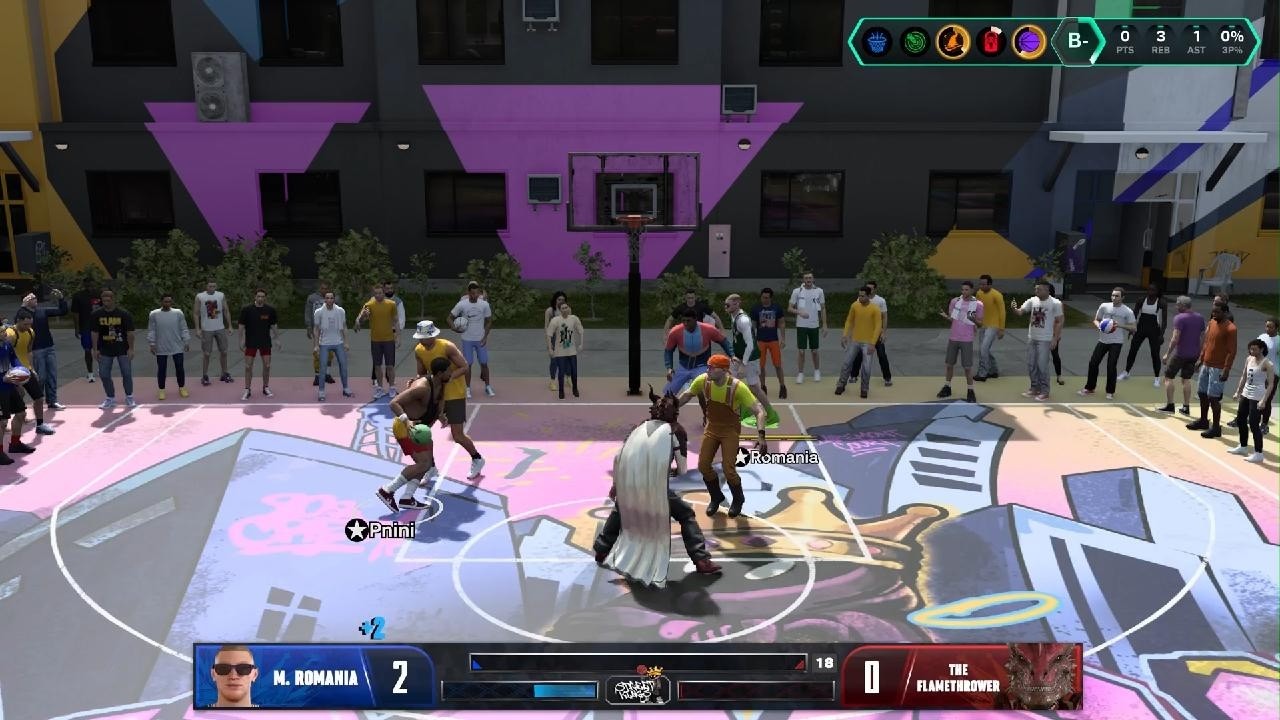
Step onto the neighborhood court
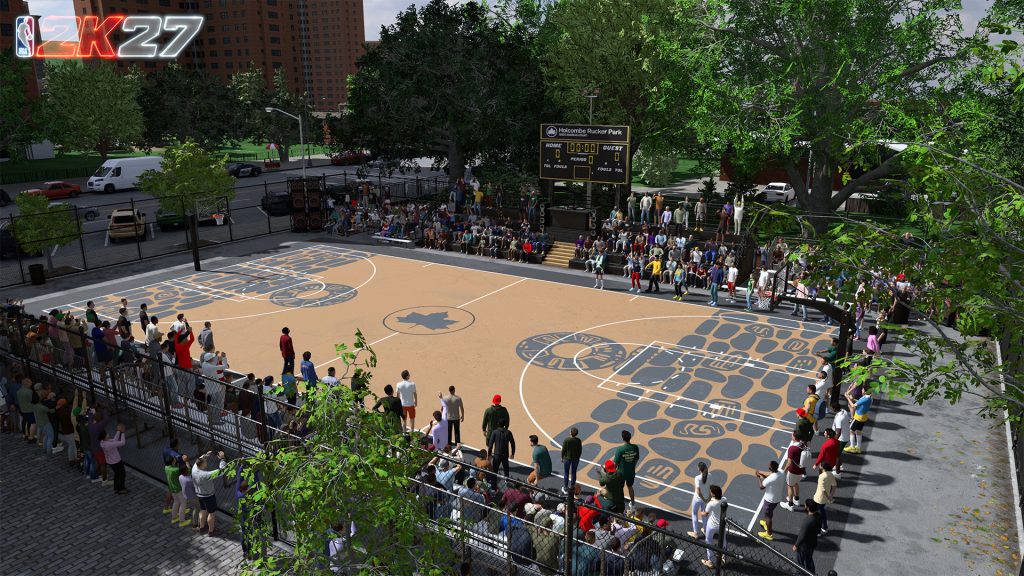
A classic court. One more game.
These MC modes require an active membership for the current window. Check your status in the app.
FC27 and MT are not available yet. Follow the release notes for updates.
Download the Windows app and follow the installation steps.
Pair and connect in Console & connection. Check that the game stream is visible.
Go to a supported court, follow its gameplay guide, adjust your settings and start the task.
GOOD TO KNOW
A Windows 10 / 11 64-bit PC, a console and the game. Connect your console in the app and check the stream before following the guide for your selected mode.
NBA27 Open Court, The Hollows, Clemont Park and Rucker Park. FC27 and MT are not available yet. MC modes require an active window membership.
Yes. You can open up to 3 windows in the same environment. Each window has its own settings and membership. More windows use more computer resources.
Choose your language in Settings & help, save your settings and follow the on-screen instructions. You can switch the website language in the header, too.
Check Update Center in the app. Before upgrading, stop tasks, disconnect the stream and close other AFKGo windows. To report a problem, use the feedback entry in Settings & help.
READY WHEN YOU ARE
Let AFKGo take care of the repetition. Keep your time for what you enjoy.
Download for WindowsWindows 10 / 11 · 64-bit